
Women's Health Ultrasound Feature Names Decoded: A Philips, Mindray, and Alpinion Glossary
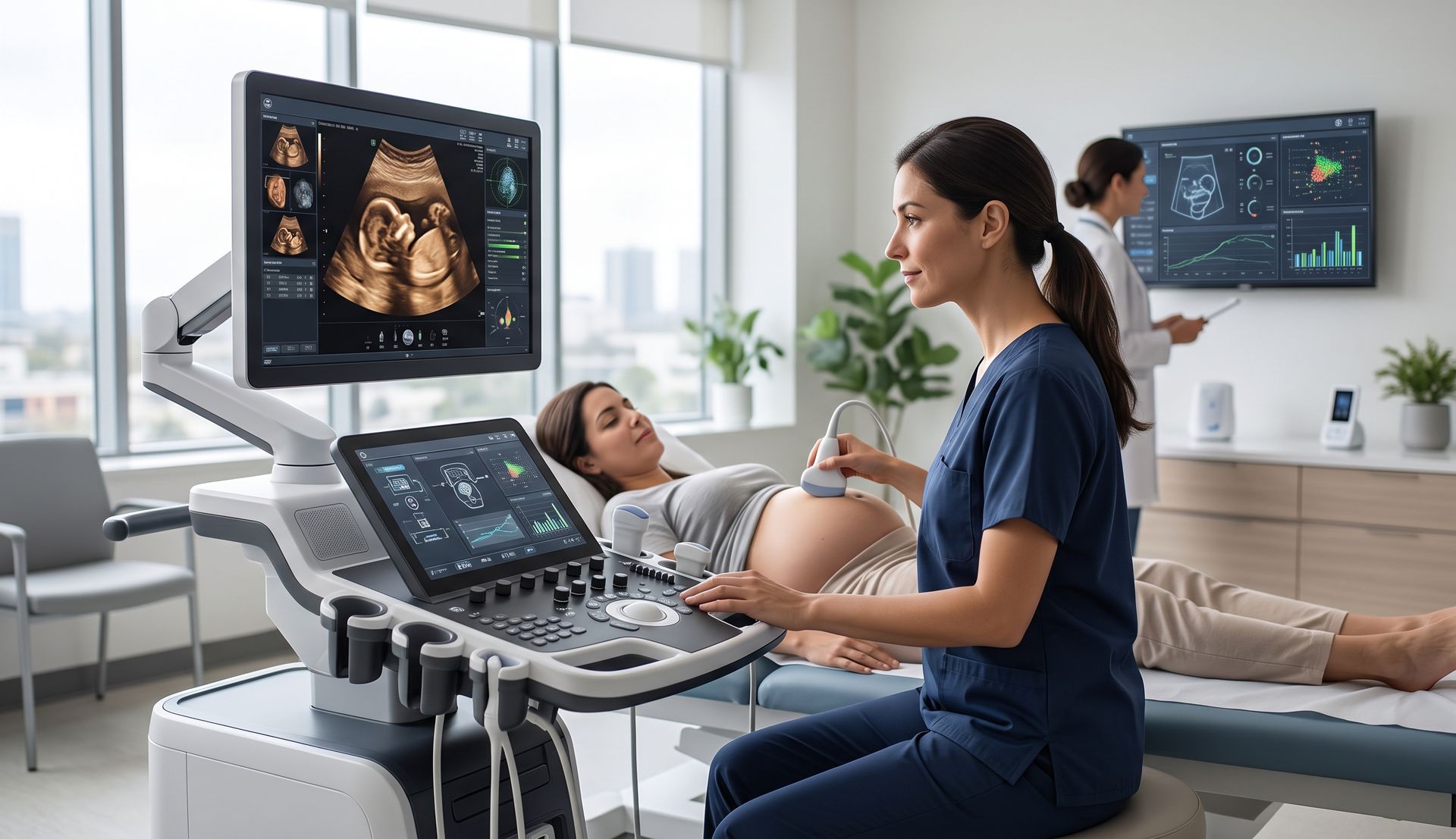
Every ultrasound manufacturer gives its features trademarked names. A photorealistic 3D rendering mode is TrueVue on a Philips system and iLive on a Mindray. This glossary explains what the brand names on women's health brochures and quotes actually do, so you can compare systems feature for feature.
Same Feature, Different Names
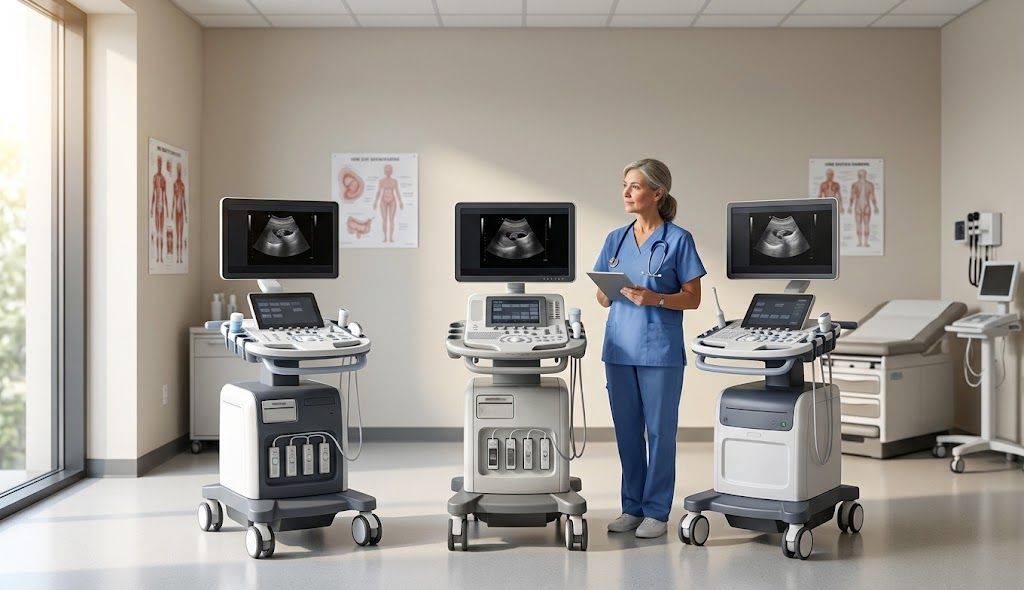
This table lines up comparable feature names across the three brands. The features are similar in purpose, not identical in how they work or perform, so evaluate each one in a demonstration. A dash means we have not listed a directly comparable named feature, not that the capability is unavailable.
| What it does | Philips | Mindray | Alpinion |
|---|---|---|---|
| Core imaging architecture | nSIGHT Imaging / nSight Plus | ZONE Sonography Technology+ (ZST+) | X+ Architecture (X+ FIT) |
| Image processing for tissue clarity | XRES Pro | — | X+ Focus |
| Transducer technology | PureWave, xMATRIX | — | X+ Crystal Signature |
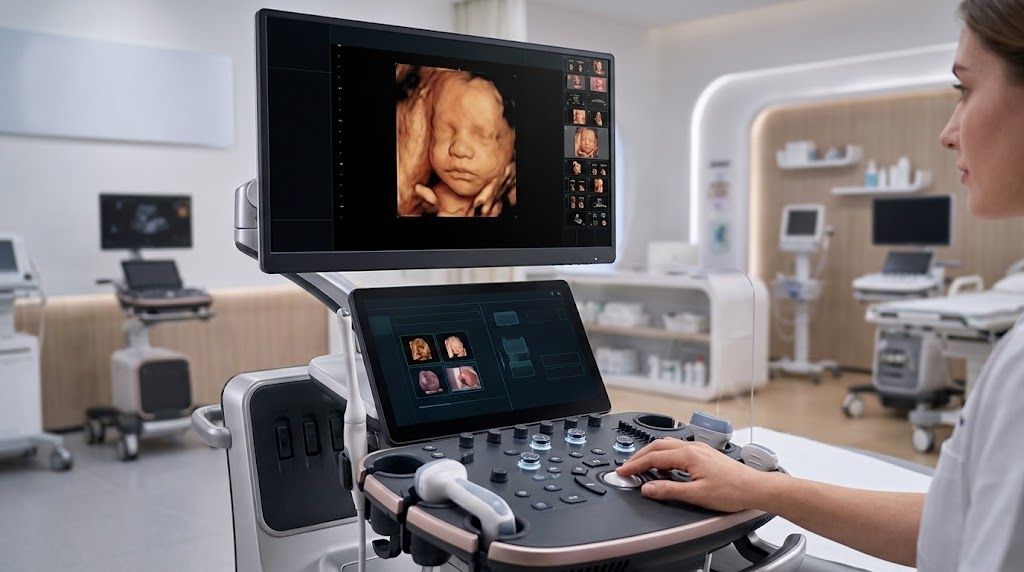
| Photorealistic 3D rendering | TrueVue / TrueVue Pro | iLive | — |
| Translucent or outline 3D rendering | GlassVue | iLive with Hyaline | Silhouette |
| Automatic fetal face reveal | aReveal | Smart Face | Clear Face |
| Fetal heart volume imaging | STIC | STIC / Color STIC | STIC |
| 3D-style display of blood flow | Flow Viewer | Glazing Flow | — |
| Slow, small-vessel flow imaging | MicroFlow Imaging | — | X+ MicroView |
| Automated fetal biometry | aBiometry Assist | Smart OB | X+ Assistant |
| Automated follicle measurement | — | Smart FLC | Auto Follicle |
| Automated fetal brain planes | — | Smart Planes CNS | — |
| Automated pelvic floor measurements | — | Smart Pelvic | — |
Philips Feature Names (EPIQ Elite and Affiniti)
| Number | First Name |
|---|---|
| XRES Pro | Philips' beamforming and processing architecture on EPIQ Elite, built for detail, frame rate, uniformity, and penetration. nSight Plus is the version named on newer EPIQ Elite configurations. |
| PureWave | Image processing that reduces noise and sharpens tissue borders for clearer real-time images. |
| xMATRIX | Philips' single-crystal transducer technology, designed for strong penetration in technically difficult and higher-BMI patients. The V9-2 is a PureWave volume transducer for OB/GYN. |
| TrueVue / TrueVue Pro | Matrix-array transducer technology that can image multiple planes from one probe. |
| GlassVue | Photorealistic 3D rendering with a movable virtual light source that can be placed anywhere in the volume, including behind the fetus. |
| TouchVue / MPR Touch | A transparent 3D rendering mode that shows internal structures and vessels inside a surface. |
| aReveal | Touchscreen control for rotating and adjusting 3D volumes and multiplanar views. |
| aBiometry Assist | AI-assisted tool that removes tissue in front of the fetal face in a 3D volume, reducing manual editing. |
| STIC | AI-assisted automated fetal biometry measurements. |
| Flow Viewer | Spatiotemporal image correlation: a 4D fetal heart acquisition captured over one cardiac cycle for later review. |
| MicroFlow Imaging (MFI) | 3D-style rendering of color flow data to show fetal vessels and heart structures more clearly. |
| MaxVue | Doppler mode for slow flow in small vessels, such as ovarian or placental perfusion. |
| HD MAX display | A full-screen 16:9 high-definition display mode that enlarges the image area. |
| Elevate Plus | Philips' high-brightness monitor on EPIQ Elite, with wide off-angle viewing across the exam room. |
Mindray Feature Names (Imagyn I9 and Women's Health Systems)
| Term | What it does |
|---|---|
| ZONE Sonography Technology+ (ZST+) | Alpinion's imaging platform, combining X+ FIT beamforming, X+ Focus processing, and X+ Crystal Signature transducers. |
| iLive | Beamforming and data-processing technology that increases how much ultrasound data the system can handle, supporting resolution and frame rate. |
| Hyaline | Image processing designed to improve resolution and uniformity across the image. |
| Smart Scene 3D | Alpinion's single-crystal transducer technology for sensitivity, bandwidth, and image clarity. |
| Smart Face | Alpinion's transducer designs focused on patient comfort. |
| Smart OB | A flow-imaging mode that displays slow flow in tiny vessels. |
| Smart NT | Scanning protocol with machine-learning-based automatic measurements to reduce keystrokes. |
| Smart Planes CNS | Alpinion's 3D/4D imaging package for fast volume acquisition. |
| Smart Fetal HR | Advanced volume tools, including Multi Slice, Any Slice, Volume Analysis, Depth View, Silhouette, and STIC. |
| STIC / Color STIC | Displays a 3D volume as a series of parallel slices, or as a slice along any line the user draws. |
| Glazing Flow | A 3D rendering mode that uses color to show depth. |
| Smart FLC | A rendering mode that emphasizes outlines and internal structures. |
| Smart Pelvic | Automatically reveals the fetal face in 3D/4D images, reducing post-processing time. |
| Smart-VTrace | Automatic volume sweep of the fetal heart, with or without color Doppler. |
| Smart Hip | Automated follicle measurement for fertility monitoring. |
| UWN+ CEUS | Reduces noise in volume data to improve contrast in 3D images. |
| iConsole | Converts 3D images to DICOM volume data so they can be viewed in a PACS viewer. |
| Living Technology | Mobile app that transfers ultrasound images from Alpinion systems to a mobile device. |
Alpinion Feature Names (X-CUBE Series)
| Term | What it does |
|---|---|
| X+ Architecture | Alpinion's imaging platform, combining X+ FIT beamforming, X+ Focus processing, and X+ Crystal Signature transducers. |
| X+ FIT | Beamforming and data-processing technology that increases how much ultrasound data the system can handle, supporting resolution and frame rate. |
| X+ Focus | Image processing designed to improve resolution and uniformity across the image. |
| X+ Crystal Signature | Alpinion's single-crystal transducer technology for sensitivity, bandwidth, and image clarity. |
| Patient FIT transducers | Alpinion's transducer designs focused on patient comfort. |
| X+ MicroView | A flow-imaging mode that displays slow flow in tiny vessels. |
| X+ Assistant | Scanning protocol with machine-learning-based automatic measurements to reduce keystrokes. |
| Volume Master | Alpinion's 3D/4D imaging package for fast volume acquisition. |
| Volume Advance | Advanced volume tools, including Multi Slice, Any Slice, Volume Analysis, Depth View, Silhouette, and STIC. |
| Multi Slice / Any Slice | Displays a 3D volume as a series of parallel slices, or as a slice along any line the user draws. |
| Depth View | A 3D rendering mode that uses color to show depth. |
| Silhouette | A rendering mode that emphasizes outlines and internal structures. |
| Clear Face | Automatically reveals the fetal face in 3D/4D images, reducing post-processing time. |
| STIC (Color Doppler STIC) | Automatic volume sweep of the fetal heart, with or without color Doppler. |
| Auto Follicle | Automated follicle measurement for fertility monitoring. |
| 3D SRI (Speckle Reduction Imaging) | Reduces noise in volume data to improve contrast in 3D images. |
| 3D DICOM | Converts 3D images to DICOM volume data so they can be viewed in a PACS viewer. |
| CUBE NOTE | Mobile app that transfers ultrasound images from Alpinion systems to a mobile device. |
How to Use Brand Feature Names When Comparing Systems
Brand names make features sound unique, but most buyers are really comparing a handful of capabilities: image quality in difficult patients, 3D/4D rendering, fetal heart imaging, Doppler, automation, and workflow.
When you review brochures and quotes:
- Translate the name into the capability. Ask what clinical task the feature supports and which of your exams would use it.
- Check what is actually included. Many named features are optional licenses. A brochure may show a feature that the quote does not include.
- Confirm model and software version. Availability varies by system, configuration, software release, and country.
- Test it on your patients. Automated measurements and rendering modes should be evaluated on representative cases during a demonstration.
- Ask about upgrades. Find out which features can be added later and what they cost.
For deeper comparisons, see our guides to Philips, Mindray, and Alpinion women's health ultrasound, and our Philips vs. Mindray vs. Alpinion comparison.
Feature names are trademarks of their respective owners. Descriptions are summarized for comparison purposes; features, performance, and availability vary by model, configuration, software version, and region. Confirm details with the manufacturer or your Preferred Medical representative.
Compare Features With an Expert
Preferred Medical works with Philips, Mindray, and Alpinion women's health systems and can help translate feature lists into the configuration your practice actually needs.
Contact Preferred Medical to compare systems, review quotes, or schedule a demonstration.